Home Planner — the easy 3D home design app with AI tools: See your home in 3D before you buy or build
AI Redesign · AI Photo · AI Video · AI Import and more
- Start from a photo, a sample room or a blank plan
- Plan: build every room in 3D and set exact wall sizes
- Furnish before you buy: 560,000+ items
- Also good for designers, contractors and businesses
4.6App Store · 300K+ ratings
On your phone too
Point the phone camera here to install, then scan your rooms



Downloads across all stores; countries where the App Store carries the app.
What do you want to do first?
Start with what you have: a blank page, an old plan, a room photo or just your phone.
Plan your home
An interior design app for your whole home: see a style with AI, build in 3D, try real products
Home Planner, formerly Room Planner, is a home design app that takes you from an idea to a plan.
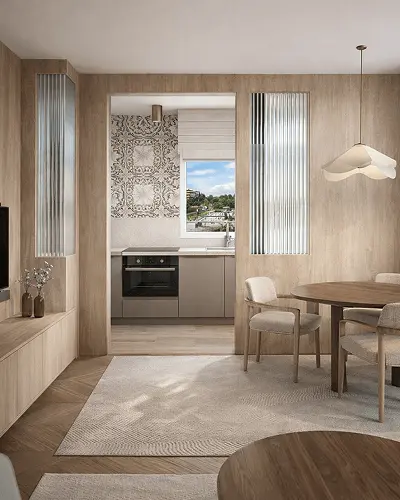
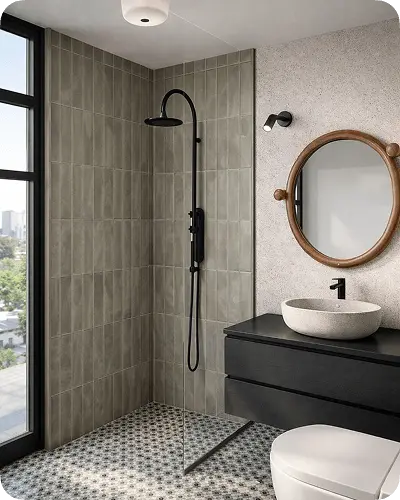
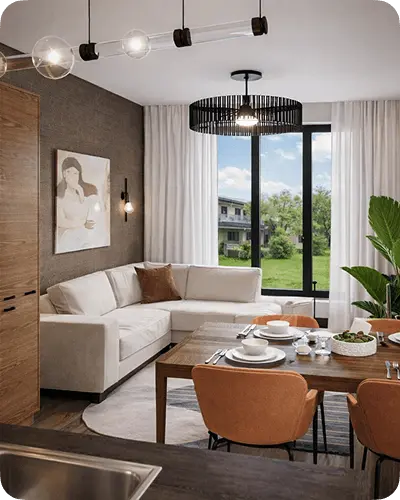
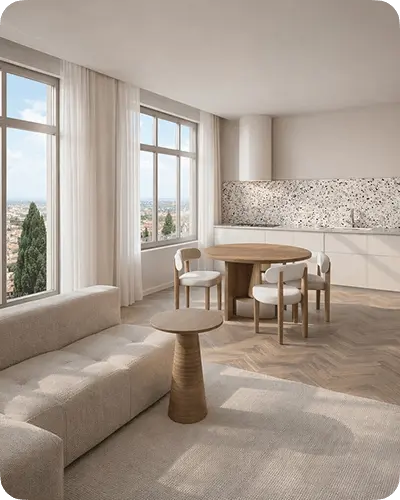
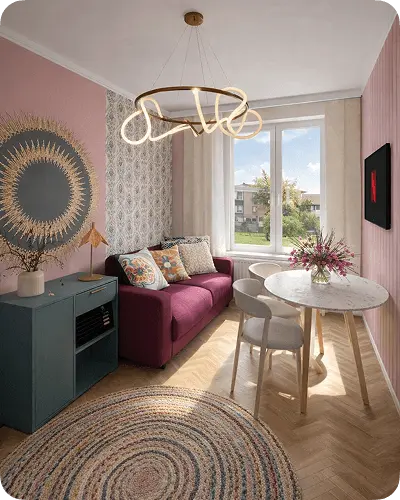
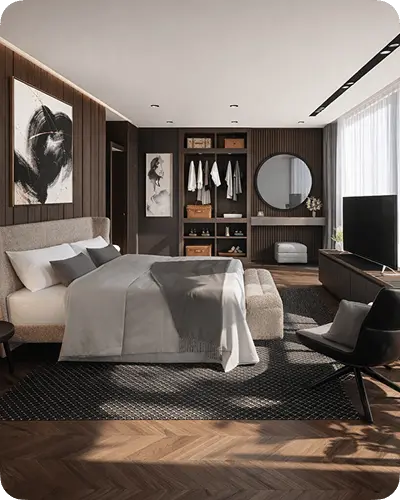

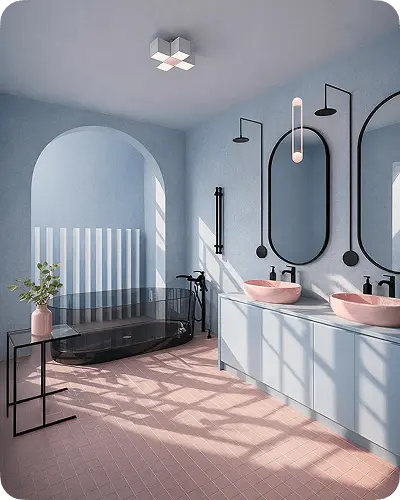
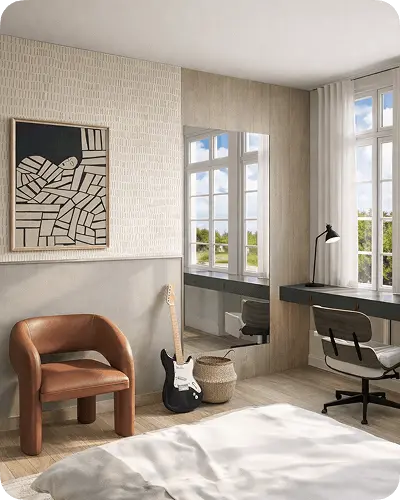
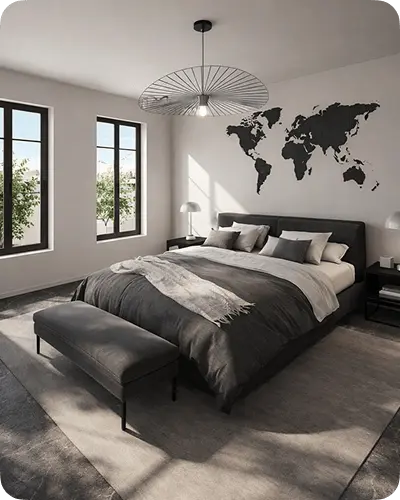
Rooms designed in Home Planner
Beautiful rooms — no experience needed
Create detailed layouts, arrange furniture freely, and see how your space could look before making changes in real life.

See your floor plan come to life in 3D
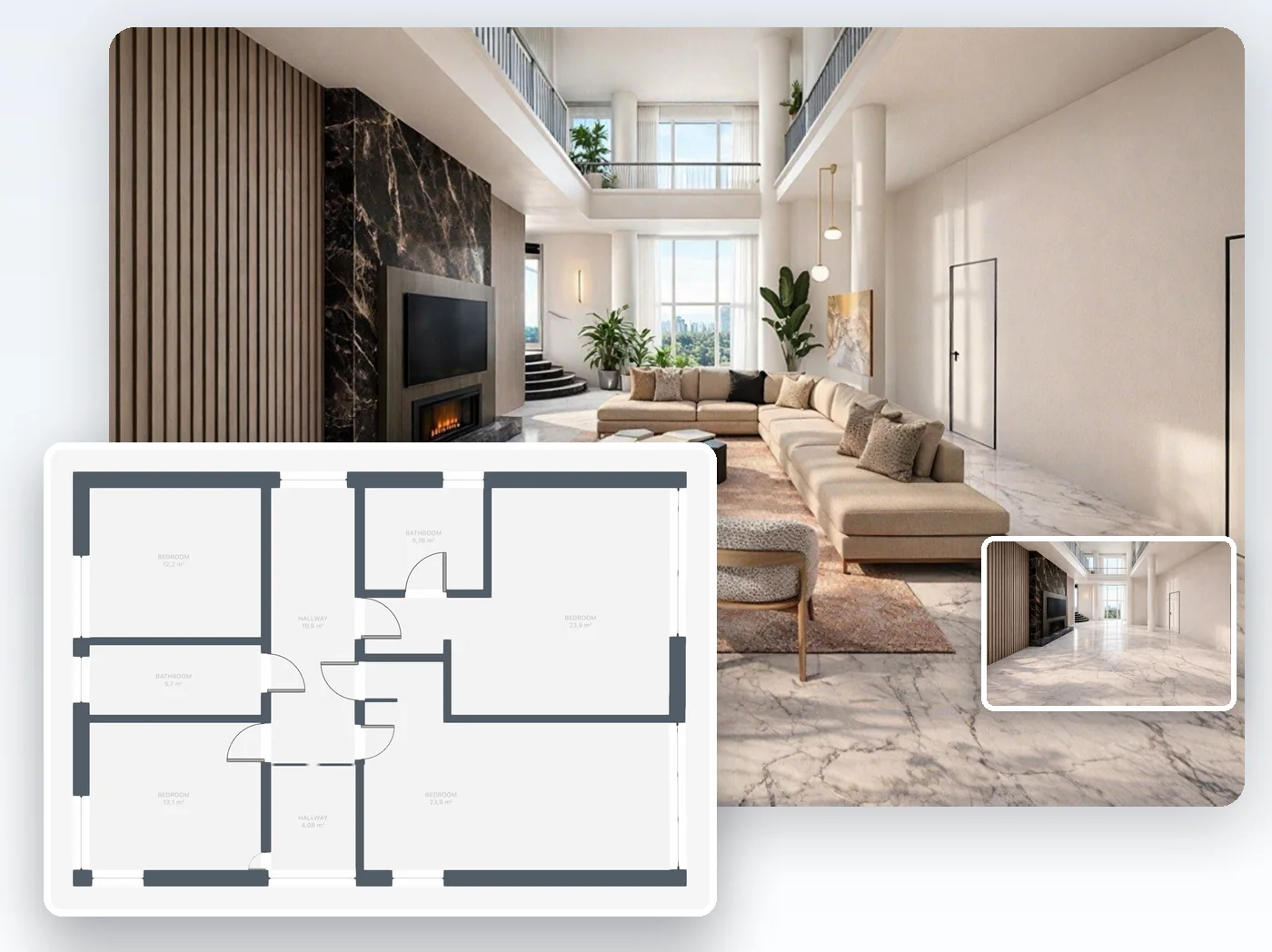
Draw your rooms on a grid, then walk through them in 3D. With PRO, upload a photo or PDF of your floor plan and AI turns it into an editable 3D plan you check and correct.
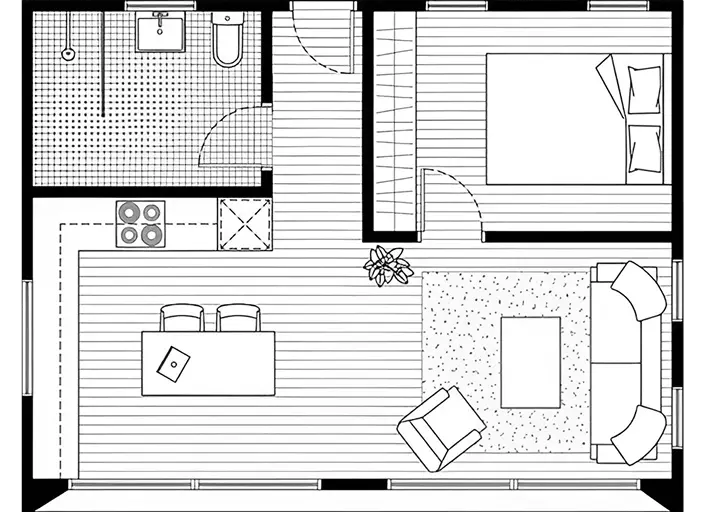
From floor plan to 3D model
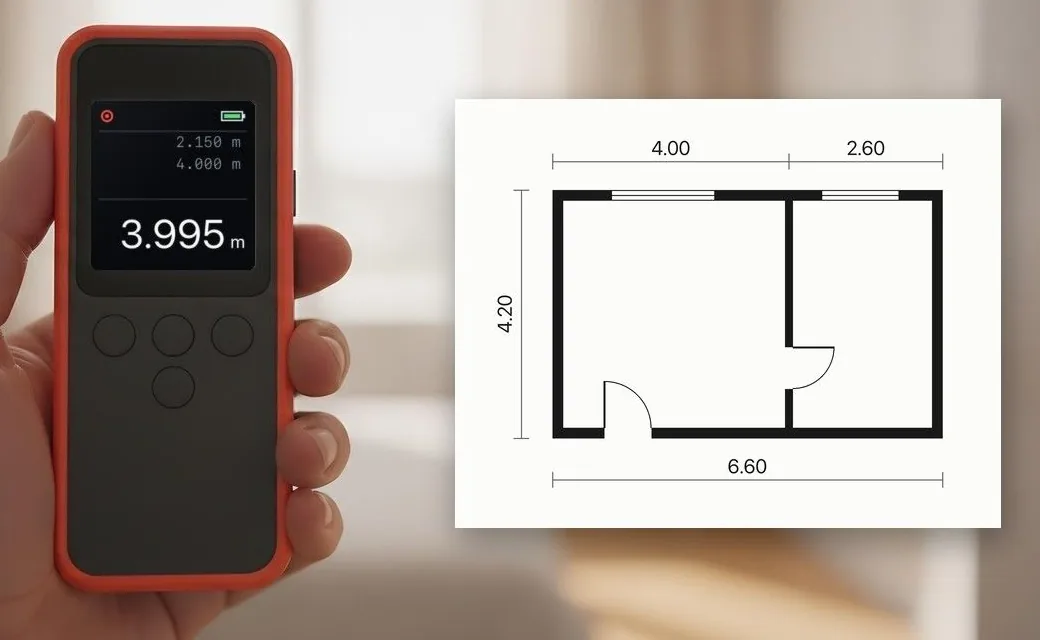
Measure with a laser meter, sizes go into the plan
Plan with real measurements, not guesses
The sofa looks perfect in the picture. With PRO, you set every wall to the exact size and see on the plan if it blocks the door, before you order it. The sizes are the ones you measured, so the plan shows what really fits.
- Measure with a supported laser distance meter: each length goes straight into the plan See which models connect.
- Or measure with a tape and type each length, to the millimeter or 1/64 inch
See your room in a new style with AI
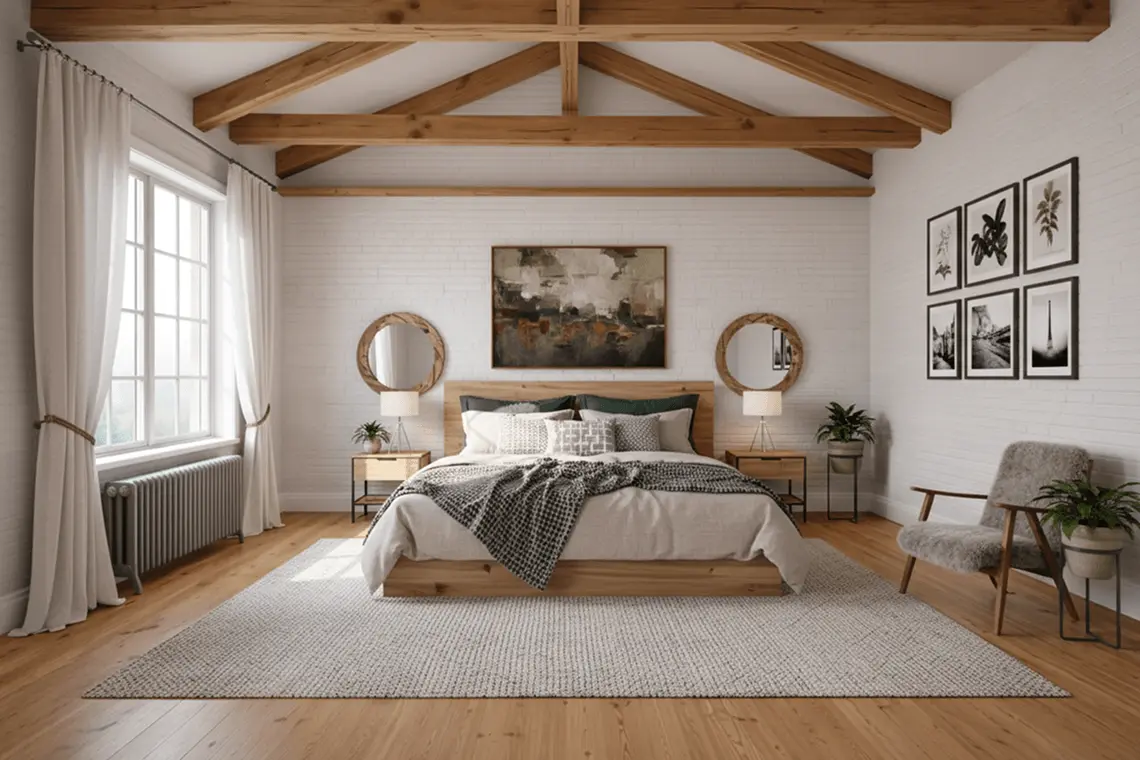
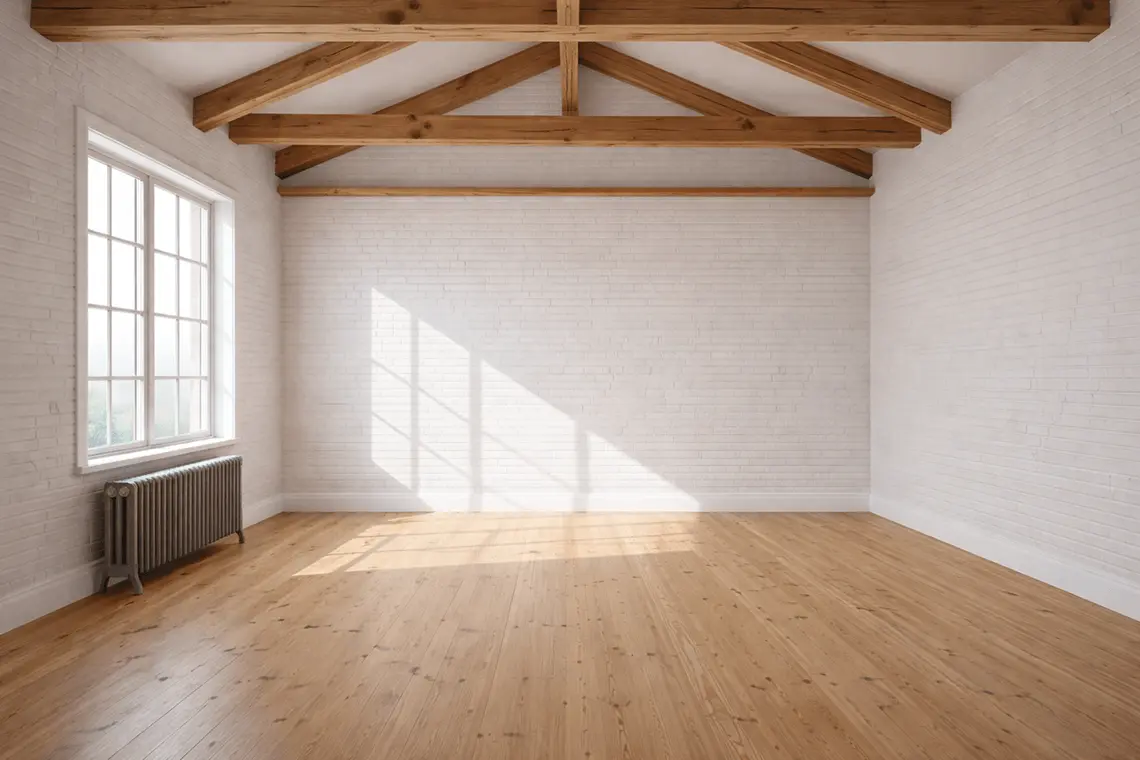
Upload a room or yard photo, pick from 40+ styles and sign in to see the result. Then use it as a reference for your 3D plan.
- In your browser, redesign, furnish, recolor or relight a photo
- From your 3D plan, AI Photo makes a photo-realistic image
- AI Video brings your design to life as a short video (with PRO)
Scan your room with your phone
Point your phone or tablet at the walls and view the room as a 3D plan. On iPhone and iPad with LiDAR, the scan also finds furniture. With PRO, edit the scan and keep that furniture.

From room scan to 3D plan
Rooms designed in Home Planner
Beautiful rooms — no experience needed
Create detailed layouts, arrange furniture freely, and see how your space could look before making changes in real life.
From floor plan to 3D model
See your floor plan come to life in 3D
Draw your rooms on a grid, then walk through them in 3D. With PRO, upload a photo or PDF of your floor plan and AI turns it into an editable 3D plan you check and correct.
Measure with a laser meter, sizes go into the plan
Plan with real measurements, not guesses
The sofa looks perfect in the picture. With PRO, you set every wall to the exact size and see on the plan if it blocks the door, before you order it. The sizes are the ones you measured, so the plan shows what really fits.
- Measure with a supported laser distance meter: each length goes straight into the plan See which models connect.
- Or measure with a tape and type each length, to the millimeter or 1/64 inch
From room scan to 3D plan
Scan your room with your phone
Point your phone or tablet at the walls and view the room as a 3D plan. On iPhone and iPad with LiDAR, the scan also finds furniture. With PRO, edit the scan and keep that furniture.
Created in Home Planner
See your room in a new style with AI
Upload a room or yard photo, pick from 40+ styles and sign in to see the result. Then use it as a reference for your 3D plan.
- In your browser, redesign, furnish, recolor or relight a photo
- From your 3D plan, AI Photo makes a photo-realistic image
- AI Video brings your design to life as a short video (with PRO)
Plan your entire home — before you pay for changes
Try every layout, finish and product first. Moving a wall on a plan costs nothing.
Home design software for homeowners and pros
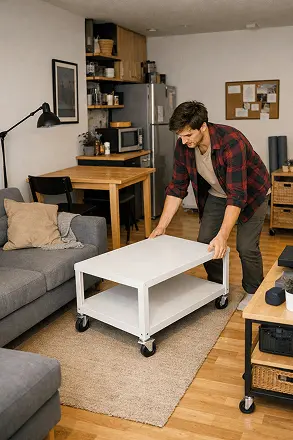
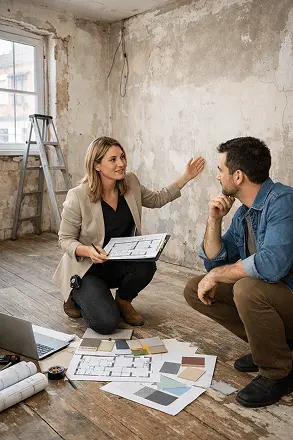
Plan your own home, or design, measure and quote for your clients.


Tools for your business
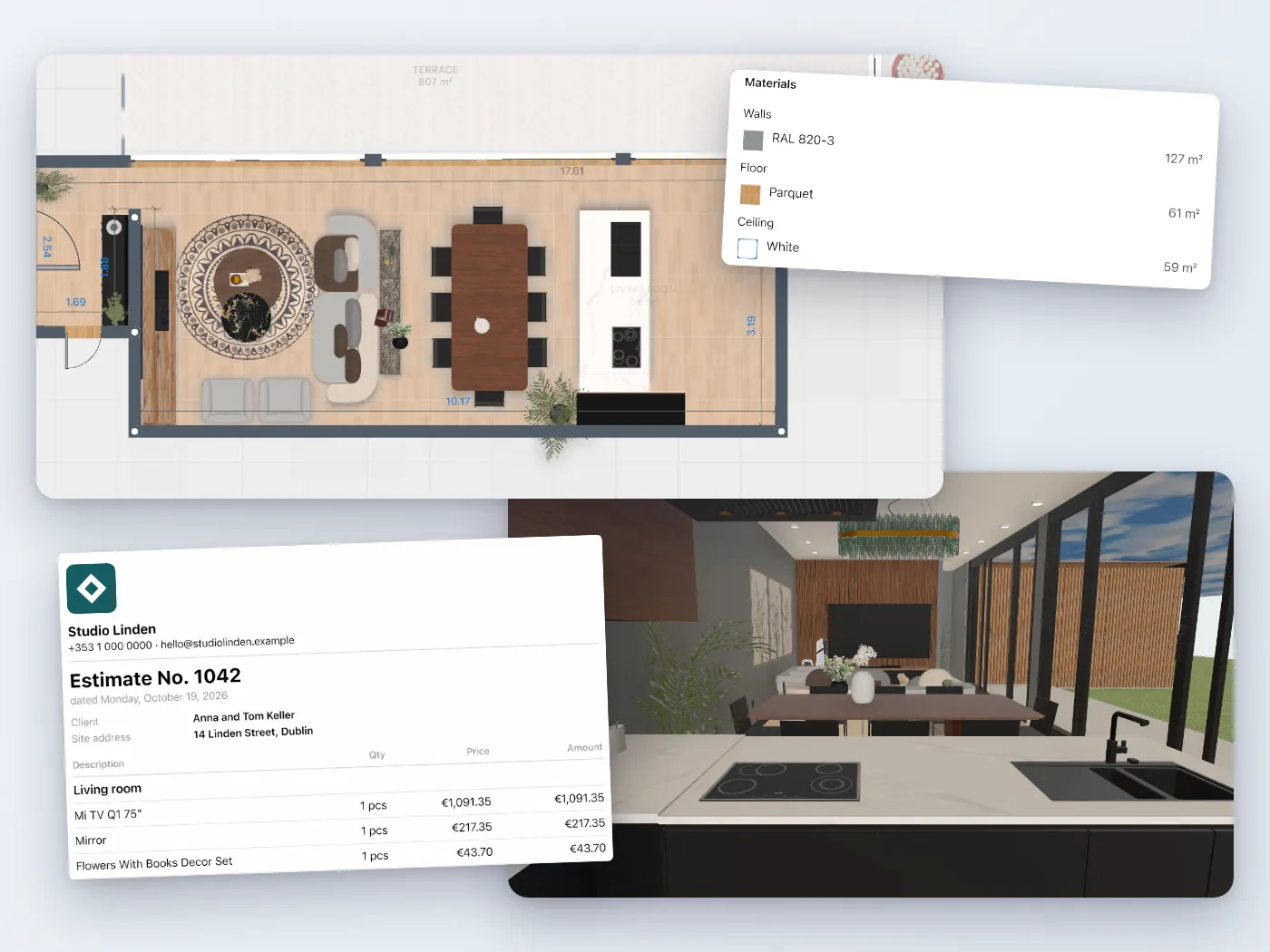
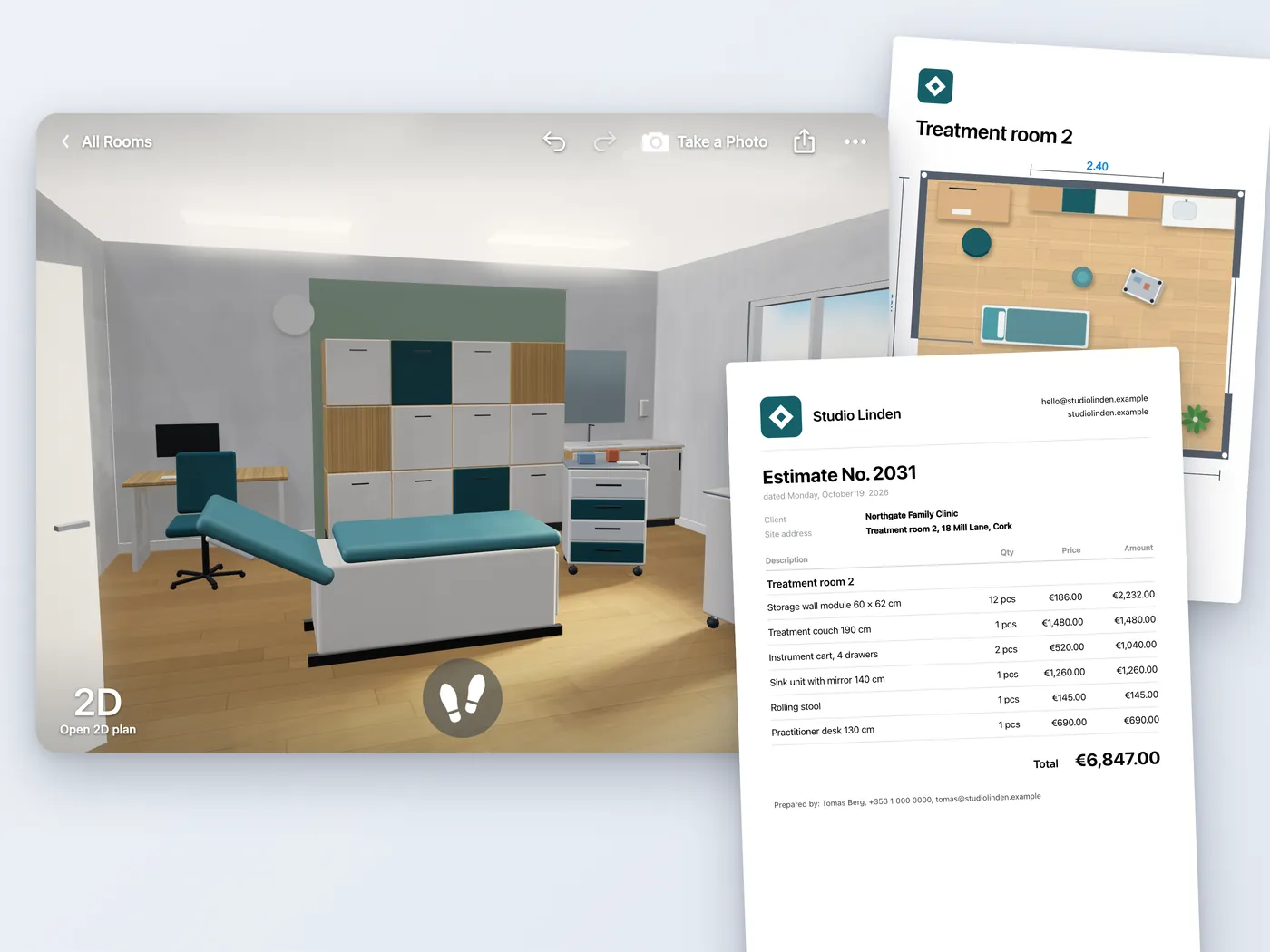
Professional floor plans, estimates and drawings for your clients. Some tools need a paid version; each page shows which.
What homeowners and designers say
4.6 on the App Store · 300,000+ App Store ratings
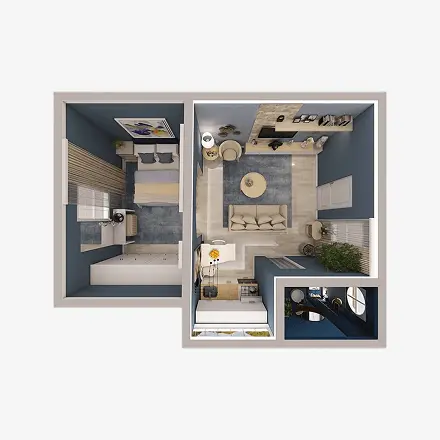
I live in a small apartment, and every centimeter matters. With the Home Planner, I tested different furniture arrangements before moving anything in real life. I finally found the perfect layout. The space feels bigger and more functional now.
M. Z.
App Store
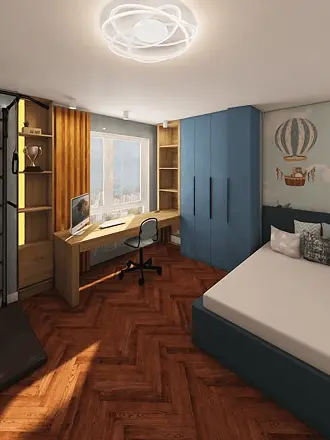
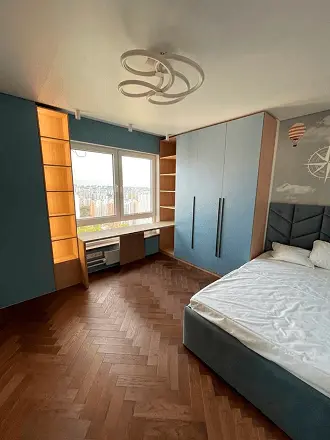
I was honestly terrified to start my renovation. I had no idea how everything would look together. With this app, I created my whole apartment in 3D and tested different layouts before buying anything. It saved me money, time, and so many mistakes. My renovation is finally done — and I love it.
Emily
App Store

I love the community inside the app. Seeing my design featured in the Top Designers section was such a proud moment! It motivates me to experiment more and improve my skills. It's not just about designing — it's about being part of something creative.
Judy
Google Play
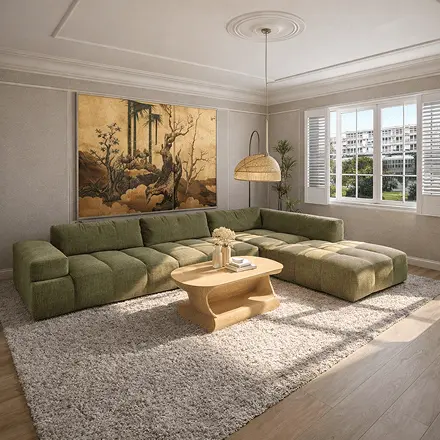
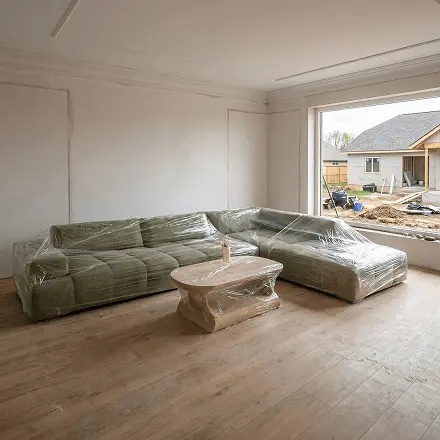
I really wanted that big green sofa in my living room, but I wasn't sure if it would fit or look right. After trying out different layouts, I could finally see how everything worked together. The room feels bright, spacious, and just how I imagined it.
Michaela
App Store
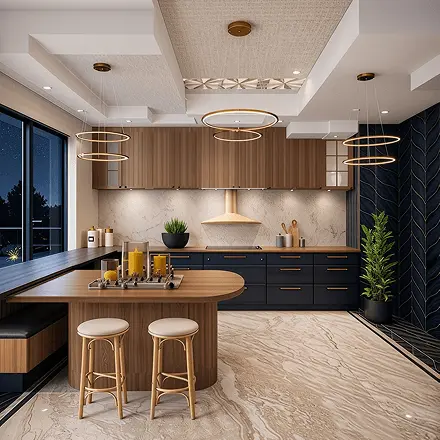
As an interior designer, I use this app daily with my clients. The 3D visualization helps them understand the concept immediately, and we make decisions much faster. It reduced revisions and improved communication. It's not just a tool — it's part of my workflow now.
Camila
Google Play
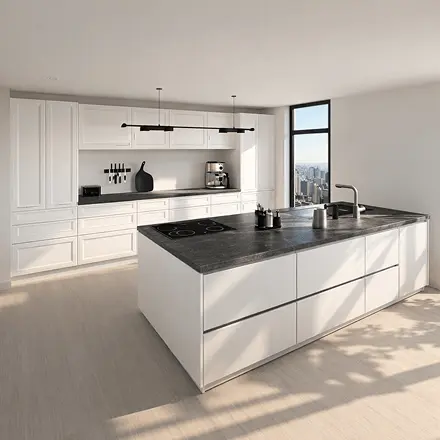
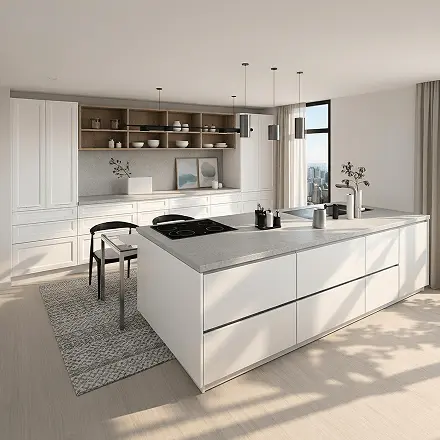
The AI feature is a game changer. I just uploaded my room and got several style suggestions in seconds. It helped me discover combinations I would never think of myself.
Anna
App Store
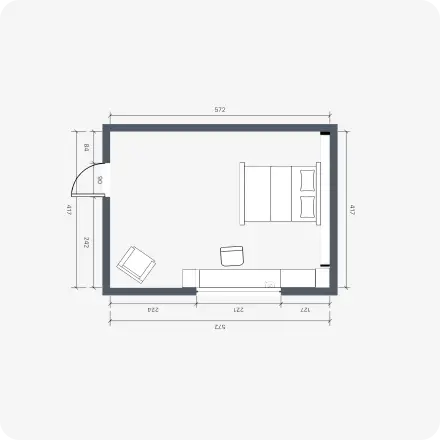
The room scanning feature blew my mind. I scanned my living room in minutes and instantly started redesigning it. No manual measurements, no stress. Everything was accurate and ready to use. It made the whole process feel effortless.
Rafael
Google Play
I live in a small apartment, and every centimeter matters. With the Home Planner, I tested different furniture arrangements before moving anything in real life. I finally found the perfect layout. The space feels bigger and more functional now.
M. Z.
App Store
I was honestly terrified to start my renovation. I had no idea how everything would look together. With this app, I created my whole apartment in 3D and tested different layouts before buying anything. It saved me money, time, and so many mistakes. My renovation is finally done — and I love it.
Emily
App Store
I love the community inside the app. Seeing my design featured in the Top Designers section was such a proud moment! It motivates me to experiment more and improve my skills. It's not just about designing — it's about being part of something creative.
Judy
Google Play
I really wanted that big green sofa in my living room, but I wasn't sure if it would fit or look right. After trying out different layouts, I could finally see how everything worked together. The room feels bright, spacious, and just how I imagined it.
Michaela
App Store
As an interior designer, I use this app daily with my clients. The 3D visualization helps them understand the concept immediately, and we make decisions much faster. It reduced revisions and improved communication. It's not just a tool — it's part of my workflow now.
Camila
Google Play
The AI feature is a game changer. I just uploaded my room and got several style suggestions in seconds. It helped me discover combinations I would never think of myself.
Anna
App Store
The room scanning feature blew my mind. I scanned my living room in minutes and instantly started redesigning it. No manual measurements, no stress. Everything was accurate and ready to use. It made the whole process feel effortless.
Rafael
Google Play
I live in a small apartment, and every centimeter matters. With the Home Planner, I tested different furniture arrangements before moving anything in real life. I finally found the perfect layout. The space feels bigger and more functional now.
M. Z.
App Store
I was honestly terrified to start my renovation. I had no idea how everything would look together. With this app, I created my whole apartment in 3D and tested different layouts before buying anything. It saved me money, time, and so many mistakes. My renovation is finally done — and I love it.
Emily
App Store
I love the community inside the app. Seeing my design featured in the Top Designers section was such a proud moment! It motivates me to experiment more and improve my skills. It's not just about designing — it's about being part of something creative.
Judy
Google Play
I really wanted that big green sofa in my living room, but I wasn't sure if it would fit or look right. After trying out different layouts, I could finally see how everything worked together. The room feels bright, spacious, and just how I imagined it.
Michaela
App Store
As an interior designer, I use this app daily with my clients. The 3D visualization helps them understand the concept immediately, and we make decisions much faster. It reduced revisions and improved communication. It's not just a tool — it's part of my workflow now.
Camila
Google Play
The AI feature is a game changer. I just uploaded my room and got several style suggestions in seconds. It helped me discover combinations I would never think of myself.
Anna
App Store
The room scanning feature blew my mind. I scanned my living room in minutes and instantly started redesigning it. No manual measurements, no stress. Everything was accurate and ready to use. It made the whole process feel effortless.
Rafael
Google Play
See rooms built in Home Planner
Not just ideas — real designs with real products. Select a tag to see one, then plan your own room in the app.
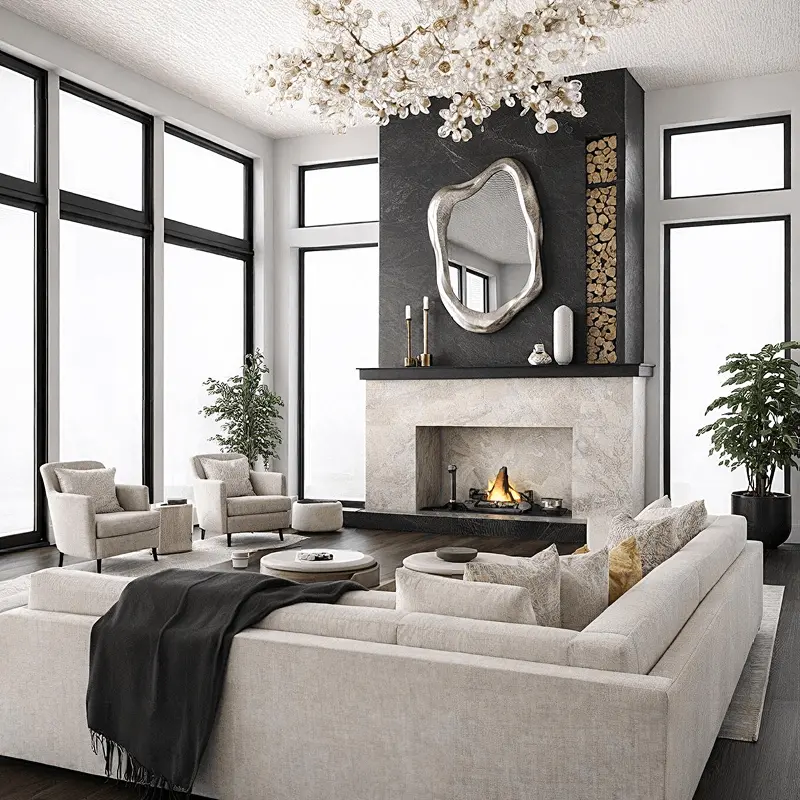
Built in Home Planner; each tag marks a real product

Mirror Silver
Sofa SKEJBY

Ficus Benjamina

Molly Coffee Table
See rooms built in Home Planner
Not just ideas — real designs with real products. Select a tag to see one, then plan your own room in the app.
Built in Home Planner; each tag marks a real product
Mirror Silver
Sofa SKEJBY
Ficus Benjamina
Molly Coffee Table
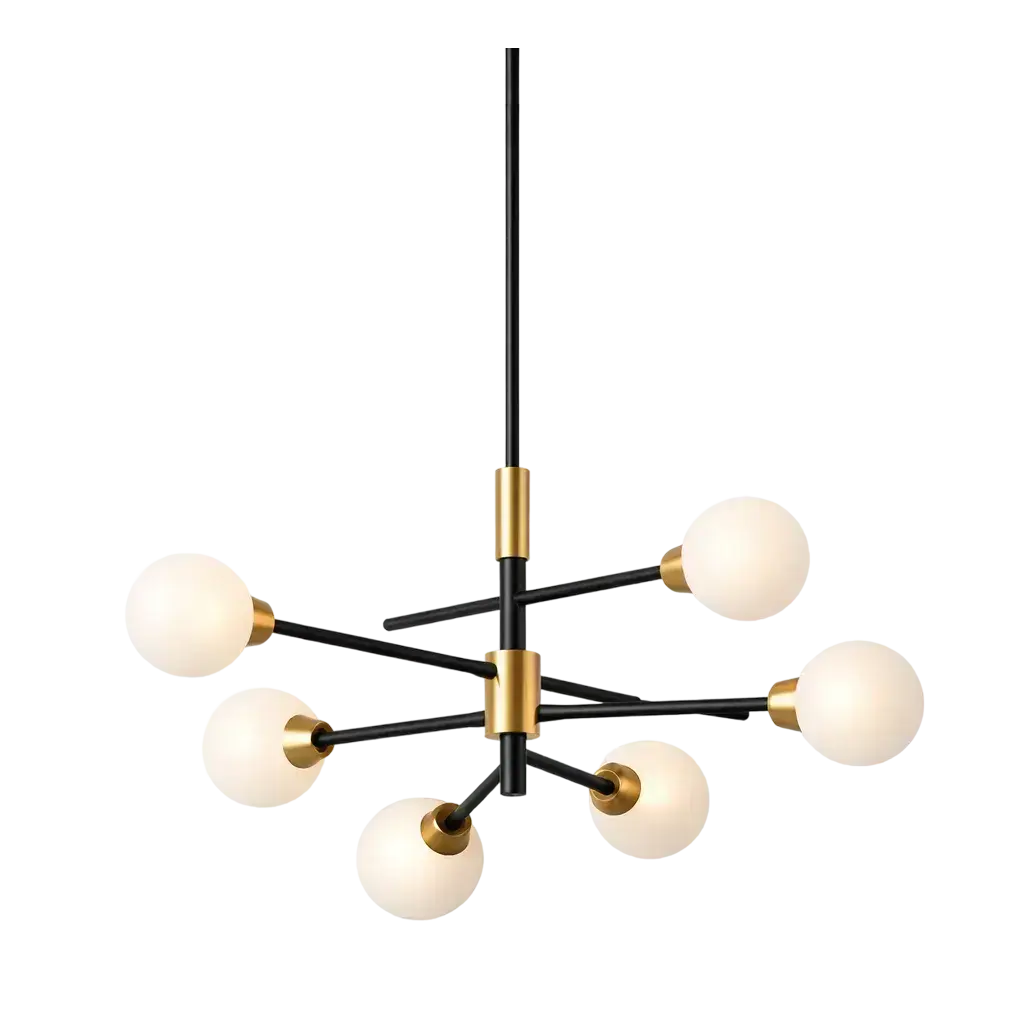
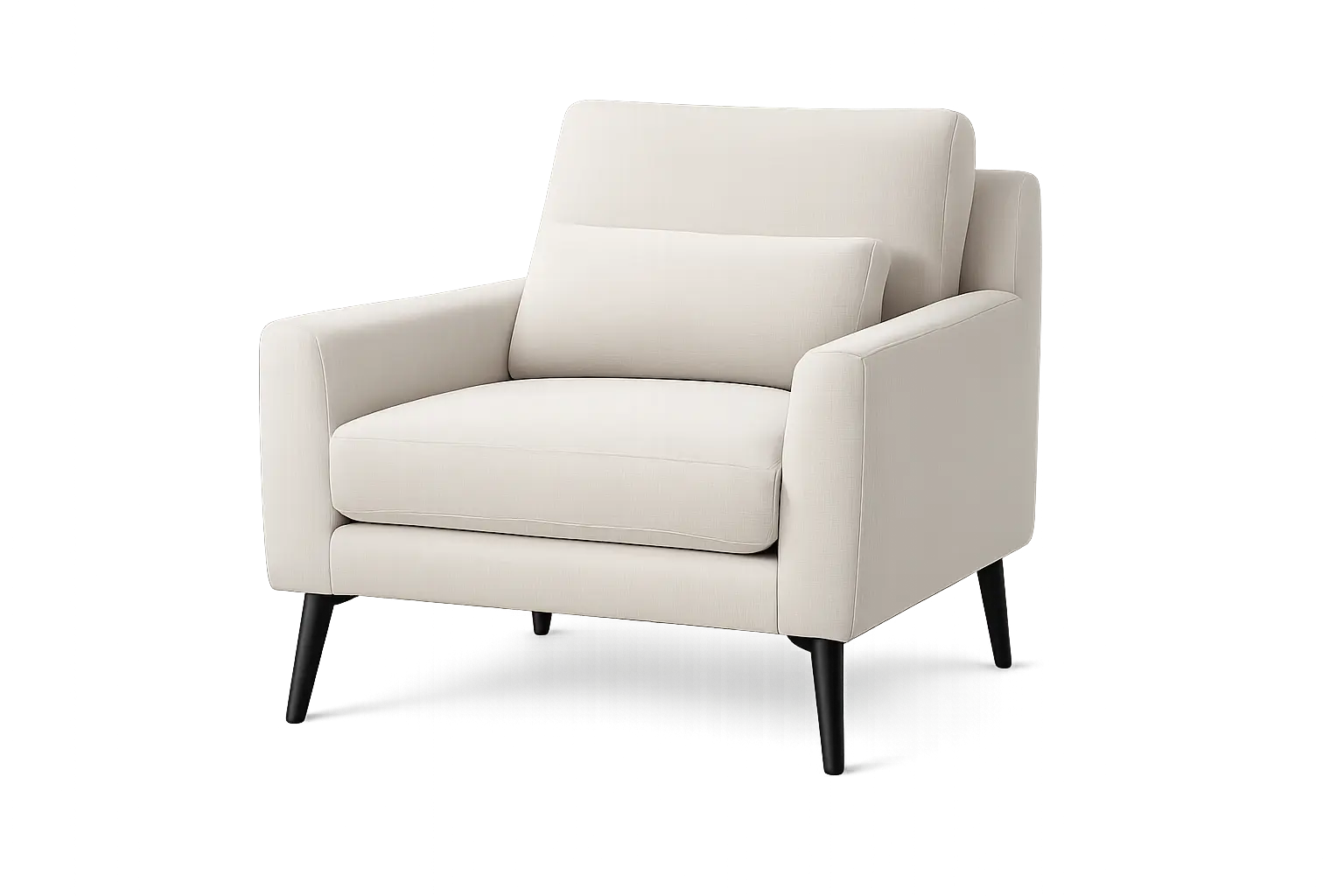
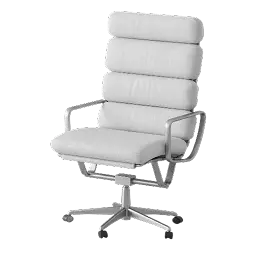
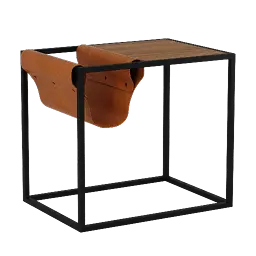
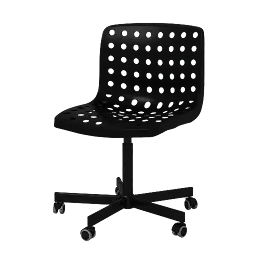
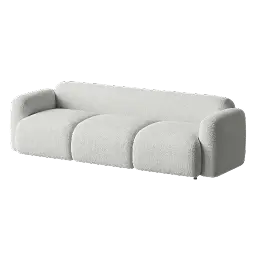
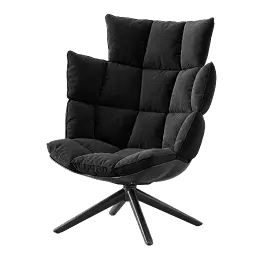
560,000+ items to design your dream home
Browse furniture, decor and materials from real brands: up to 30,000 free, all with PRO.
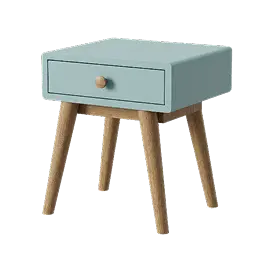


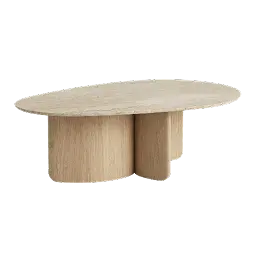
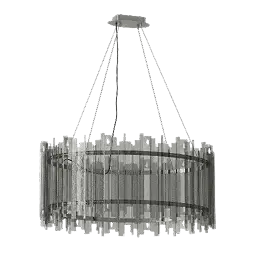

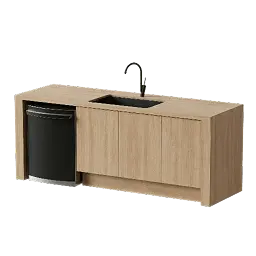
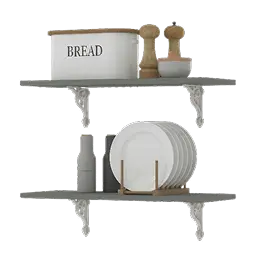
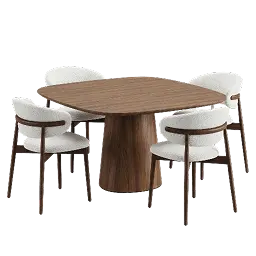
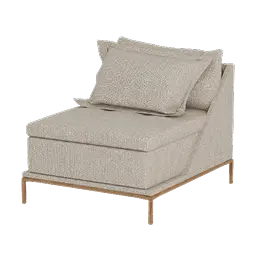


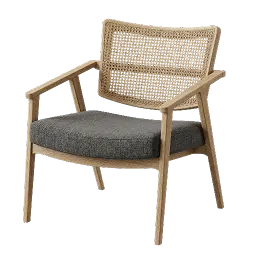



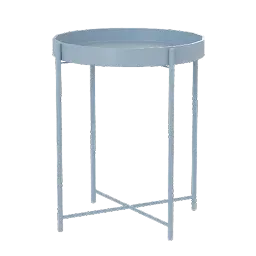
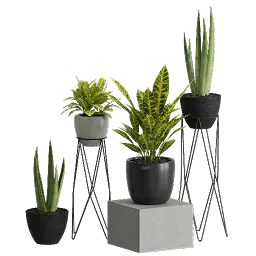

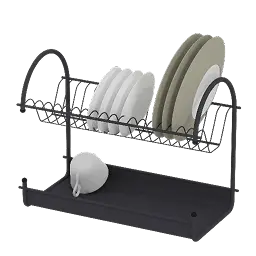
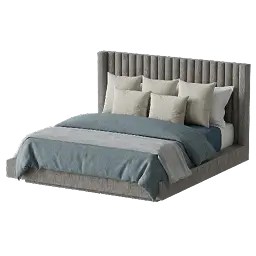




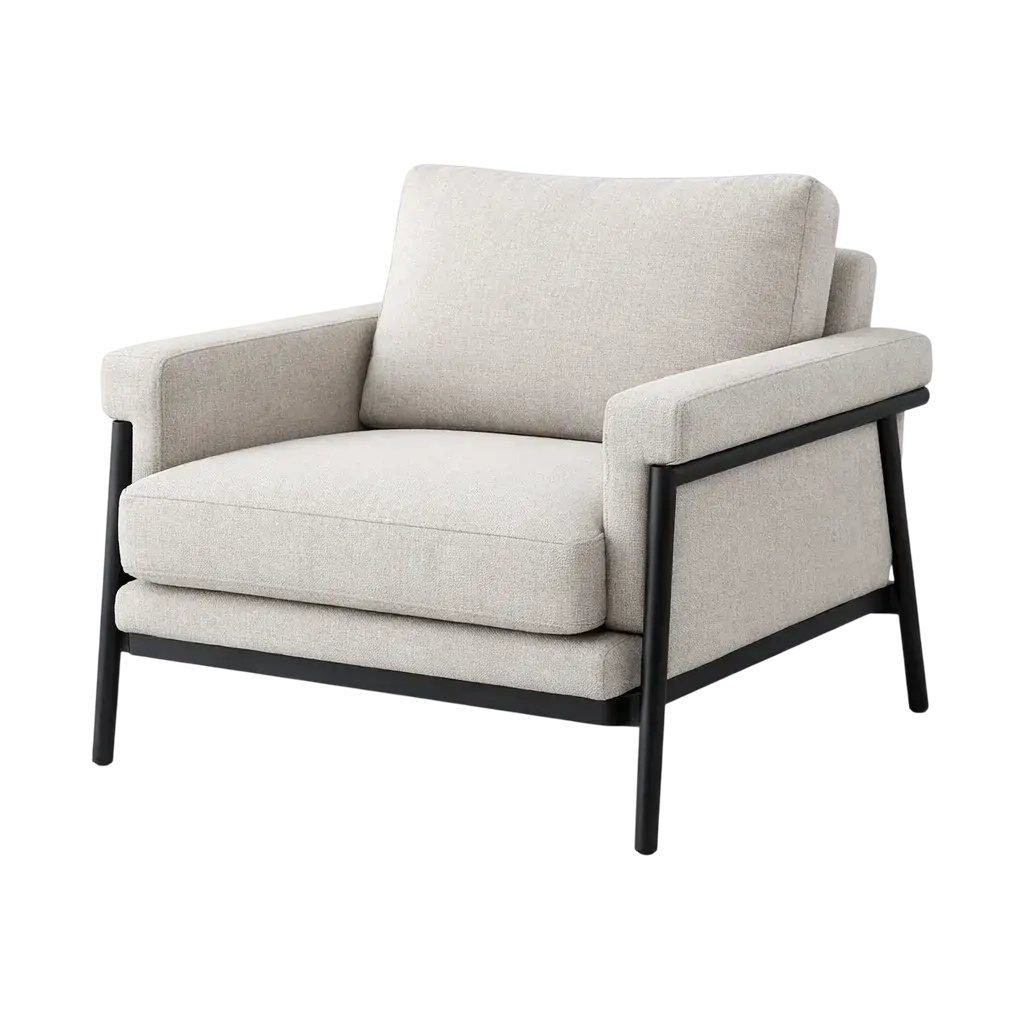
560,000+ items to design your dream home
Browse furniture, decor and materials from real brands: up to 30,000 free, all with PRO.
A room planner app on every device
Start on your phone and finish on a big screen. With PRO, your designs sync between devices.
Frequently asked questions
Yes. Home Planner is free to download and free to start: draw floor plans on a grid, see them in 3D and furnish up to 10 designs with up to 30,000 catalog items. You can also try AI Redesign: in the browser, free accounts get 4 results. Home Planner PRO adds exact wall sizes, supported laser meters (not on Windows), the full catalog of 560,000+ products, AI floor plan recognition and editing room scans. See pricing
Home Planner works on iPhone, iPad, Android devices, Mac and Windows PCs. Get it from the App Store, Google Play, the Mac App Store or Steam. With Home Planner PRO or higher, your designs sync between your devices, so you can start on a phone and finish on a computer. All downloads
Yes. Home Planner is the new name of Room Planner. It is the same app from the same team, so you can keep using it as before.
Create a new design, draw the walls of each room and add doors and windows. Switch to 3D to see your plan as a model, then furnish the rooms from the catalog. With Home Planner PRO you can set every wall to its exact size, or upload a photo or PDF of an existing plan and let AI turn it into an editable 3D plan that you check and correct.
Yes, with Home Planner PRO on iPhone, iPad, Android and Mac; Windows is not supported. You need your own laser distance meter, one of the models the app supports. See which models connect. Connect it in the 2D plan, press the button on the meter, and the app fills in the wall length, wall height or door and window size. Follow your device maker's safety instructions. Never point a laser at anyone's eyes.
A plan is as accurate as the numbers you enter. With Home Planner PRO you set each wall to the size you measured, and a supported laser distance meter (not on Windows) gives you the accuracy of that device. In the free version, walls snap to a grid step of about 0.5 m or 1.5 ft. An AI image has no dimensions.
Create a new design, choose a room scan and move around the room with your phone or tablet pointed at the walls. Room scan works on iPhone, iPad and Android devices that support AR; it is not available on Mac or Windows. You can scan a room into a new design and view it in 3D. Home Planner PRO lets you edit the scan, keep the furniture the scan detects on iPhone and iPad models with a LiDAR sensor, scan into an existing design, and sync or share it.
Yes. With AI Redesign in Home Planner, you upload a photo of your room or yard and see it in a new style. You can try it in the free version: in the browser, free accounts get 4 results, and you sign in to see them, so your images are saved to your account. Home Planner also has AI Photo, which turns your 3D design into a photo-realistic image, and AI Video, which brings a design to life as a short video with PRO. AI interior design
AI home design gives you a picture of an idea: it may change room details and has no sizes. A 3D planner gives you a plan with real measurements and real furniture. Home Planner has both: redesign the photo first, then use it as a reference to plan the room in 3D. Exact wall sizes need PRO.
No. Home Planner is made for people without design training. You draw rooms, add furniture from the catalog and see the result in 3D straight away. If you are not sure where to start, AI Redesign shows your room in new styles from one photo.
Yes. One Home Planner design holds a whole home: every room of the floor plan, with furniture and finishes. The free version keeps up to 10 designs, and paid versions keep more. With PRO you can also estimate the renovation cost of your plan.
No. Home Planner also has tools for interior designers, contractors, real estate agents and furniture companies: floor plans, estimates and drawings for clients. Some of these tools need a paid version: see the page for your work.
You can plan the layout and choose the furniture in Home Planner yourself. For walls, wiring or permits, hire a professional and share your plan with them.
Yes, with selected paid versions. Offline access lets you keep working on your designs without an internet connection; your changes sync when you are back online. Compare versions
Home Planner puts the whole job in one app: you see a style with AI, draw or scan your floor plan, check it in 3D and furnish it from a catalog of real brands. With PRO you also get all 560,000+ products and set exact wall sizes, by tape or a supported laser meter. It runs as an app on iPhone, iPad, Android, Mac and Windows; room scan needs a phone or tablet that supports AR, and the laser meter does not work on Windows. Read side-by-side comparisons

Plan your own home in the app
Room planner and interior design app